← All Software Bible Study App

Examine the
Scriptures

Work through serious Bible studies on your phone, tablet, or the web. Read the lesson, answer every question in your own words, tap any Scripture reference to read the passage, and print your finished study — all in a calm, uncluttered space made for reading.

Named for the Bereans of Acts 17:11, who “examined the Scriptures every day to see if these teachings were true.”

Available NowNew in 1.1

Free on Google Play, the App Store, and the web.
Features

Read. Answer. Check It Against the Text.

Everything a student needs is free — a complete study experience, not a trial.

📚

1,000+ Interactive Lessons

70+ study series across the Old Testament, New Testament, and topical subjects — the hand-written studies from ChurchOfChristBibleStudies.com, converted word for word. Search the whole library by title, topic, or the passages a study covers.

✍️

Answer in Your Own Words

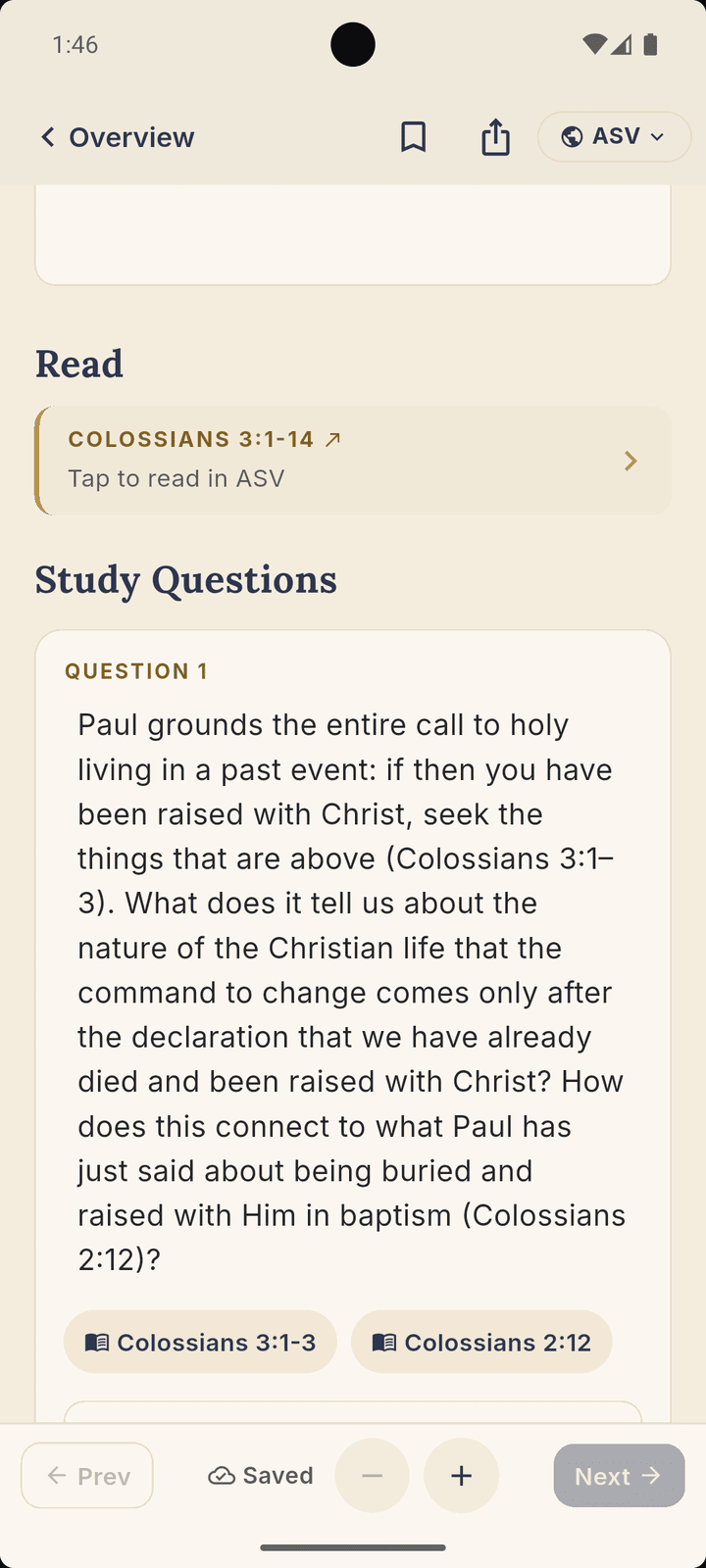
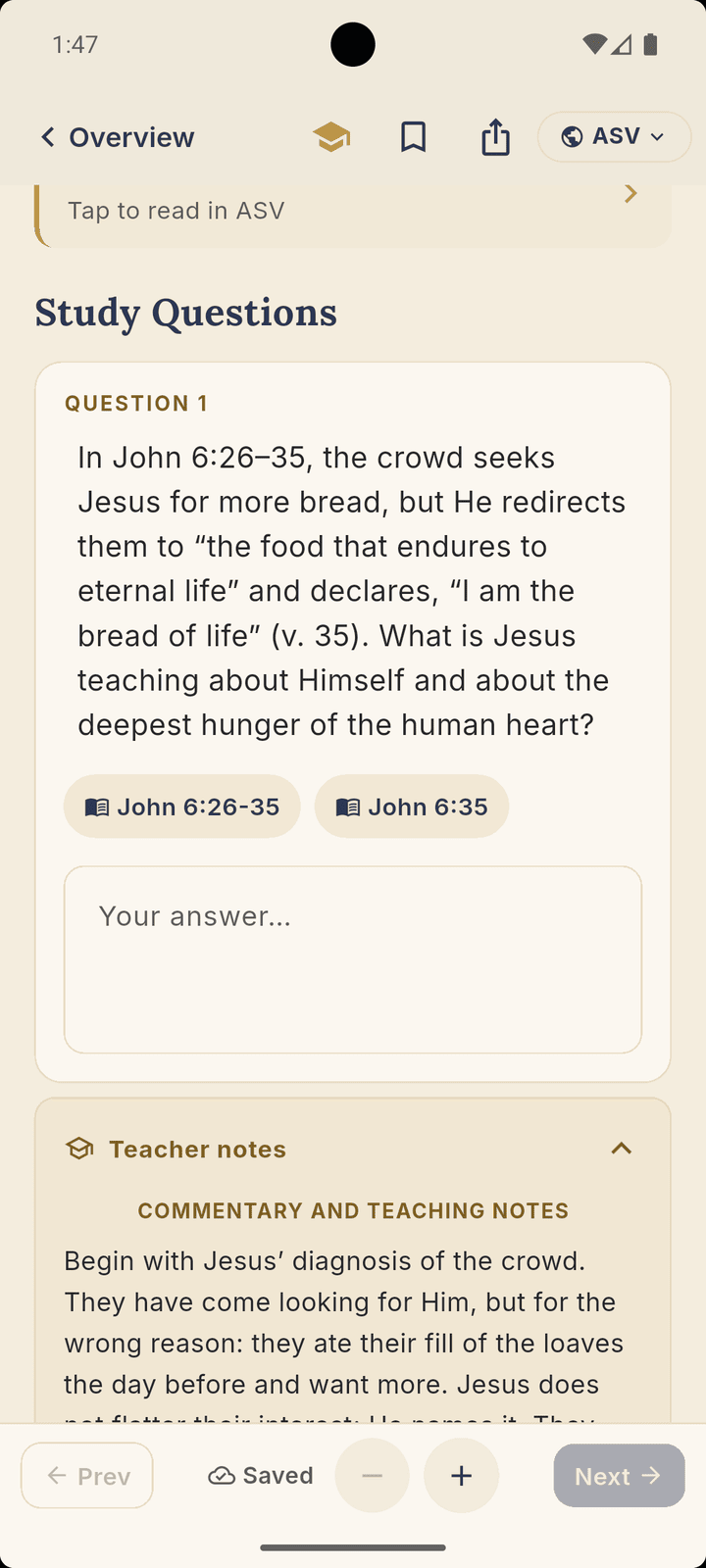
Every study question has an answer box. Your answers save automatically to your device as you go.

👈

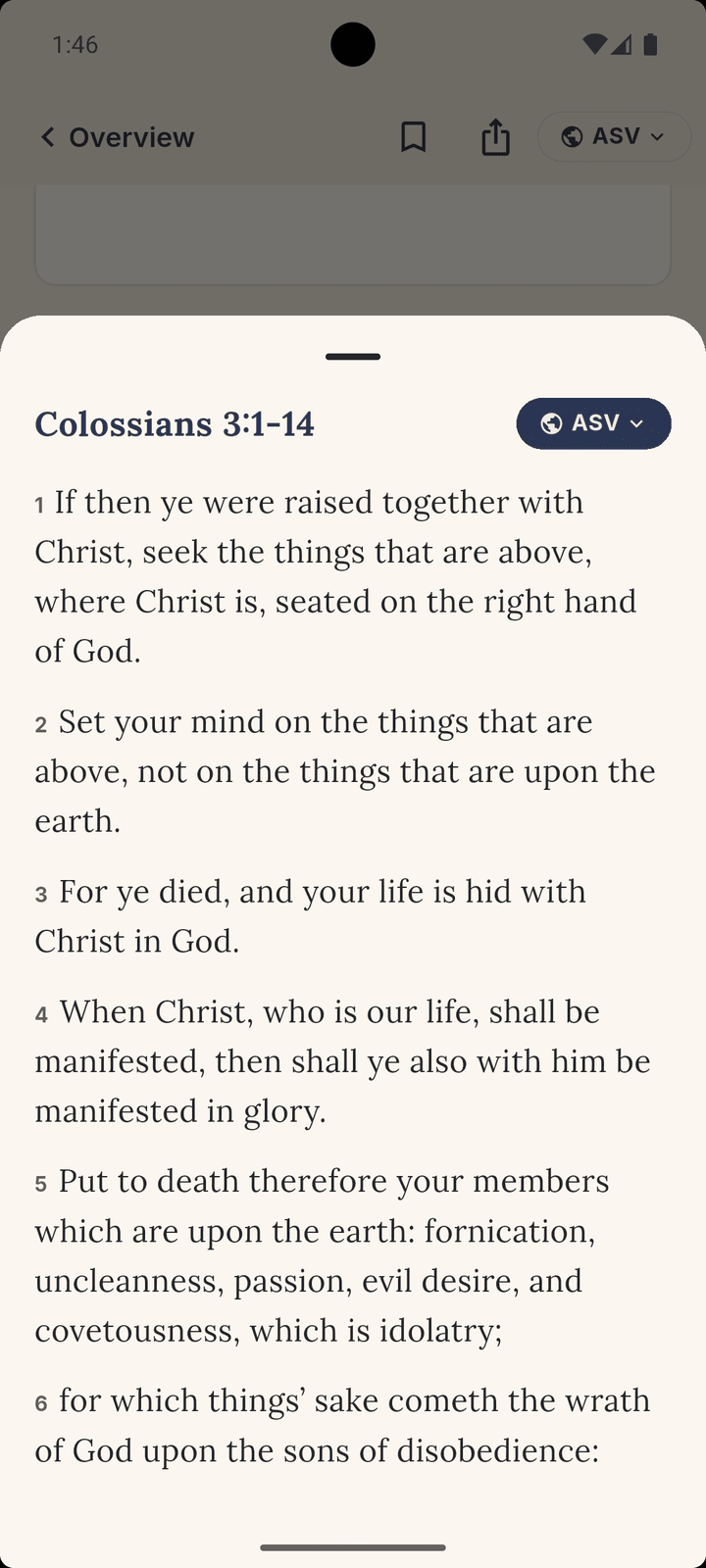
Tap Any Verse

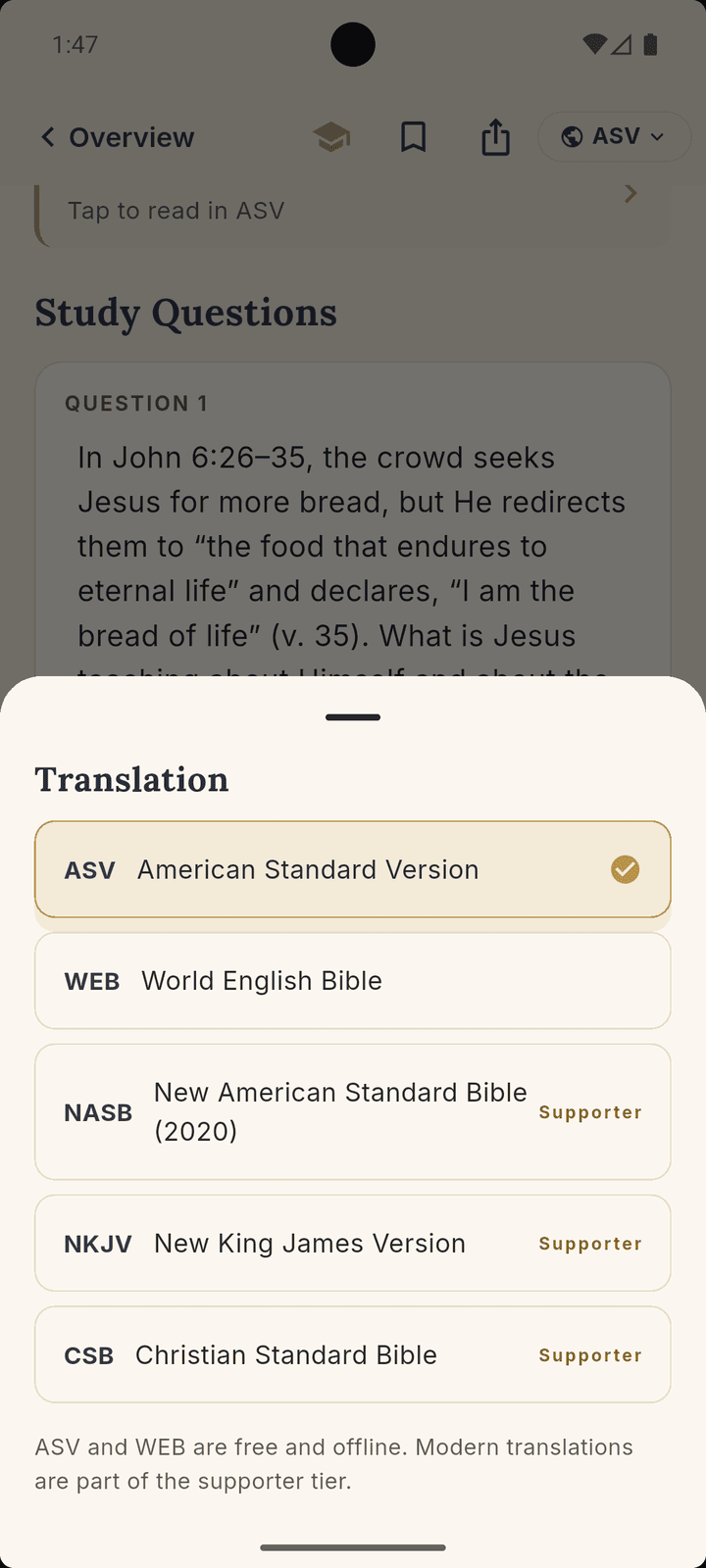
Tap any Scripture reference to read the passage right where you are, in the translation you prefer.

📶

Two Bibles Built In, Offline

The American Standard Version and World English Bible are included in full — no connection needed to look up a verse.

🔖

Notes, Highlights & Bookmarks

Long-press to highlight, bookmark lessons to return to, and keep a free-form notes box on every lesson — all stored on your device.

🖨️

Printable PDF Export

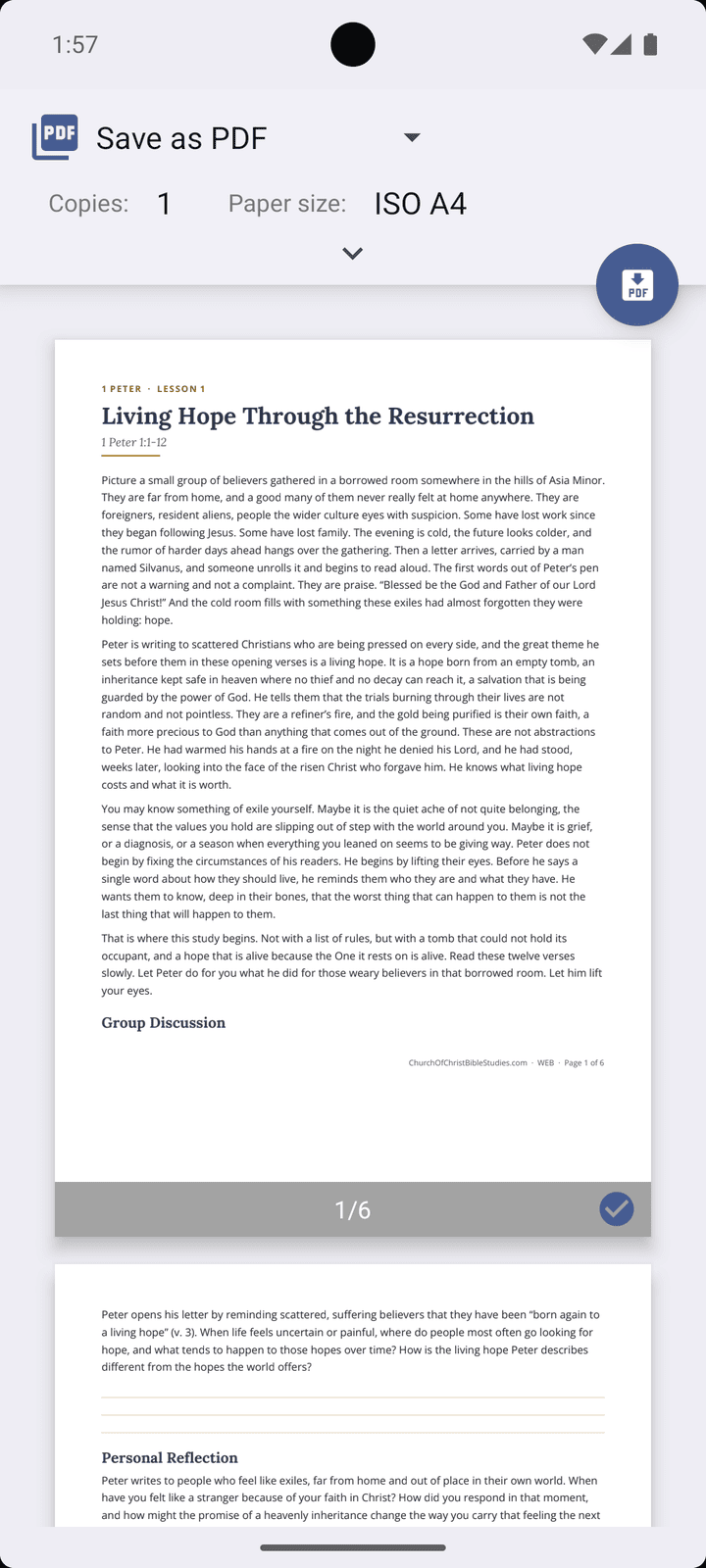
One tap produces a clean, printable document of the lesson with your own answers merged in — ready to print, share, or save.

📌

Pick Up Where You Left Off

“Continue Studying” drops you right back into your current lesson, while “Start Here” guides first-time readers to their first study. Pin the studies you’re working through to a “My Studies” shelf.

📄

Comfortable Reading

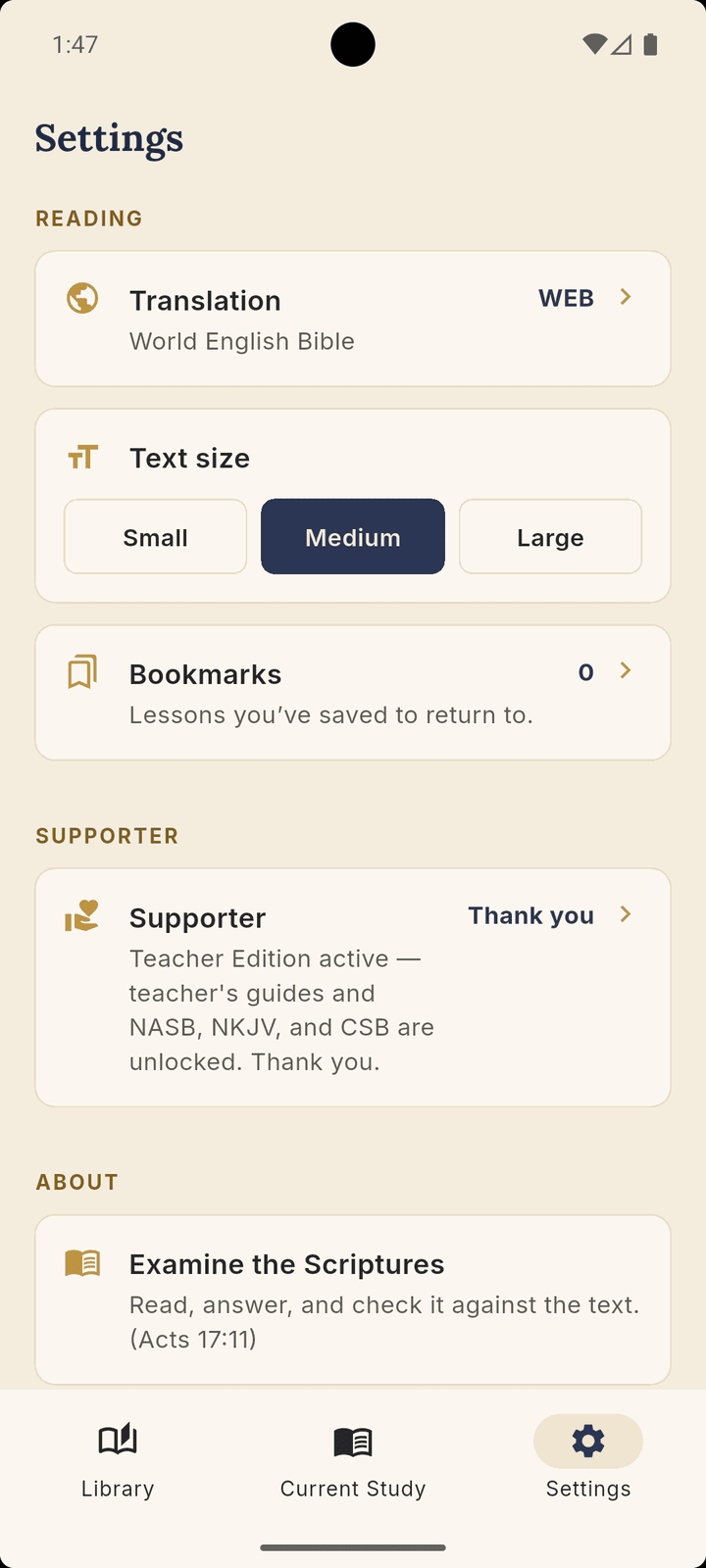
Adjust the reading text size to whatever’s easiest on your eyes — a calm, serif layout built for distraction-free study.

Private by Design

Your Study Stays Yours

No account required. Use the entire app without signing in — your answers, notes, highlights, and bookmarks are stored right on your device. Signing in is always optional and never a wall; it simply lets your work follow you across devices.

No ads and no tracking, ever. Open the app and start studying.

New in 1.1

Your Study, on Every Device

Every answer still saves automatically on your device — no account, nothing to remember. But now you can create a free account and pick up right where you left off on any device. Your answers, progress, notes, highlights, bookmarks, and pinned studies follow you from your phone to a tablet to the web, and a clear status shows when your work is safely synced.

Sign in with Google, Apple, or email — and open the web version at app.churchofchristbiblestudies.com to keep studying in any browser, no install needed. The full study experience still works completely without an account.

Teacher Edition

Made for the Ones Who Teach

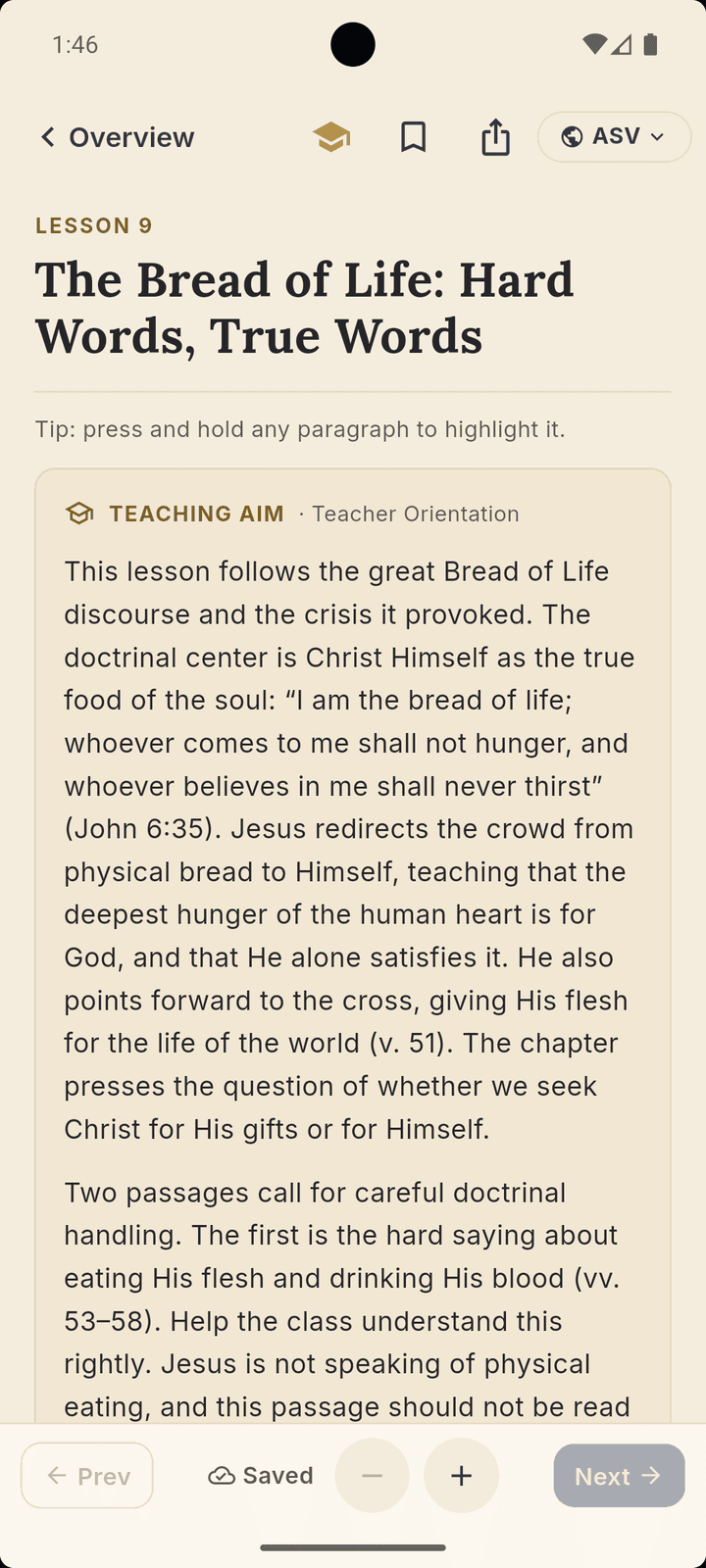
An optional subscription for class teachers that also sustains the app’s licensing costs. Behind a graduation-cap toggle in the reader, every study gains a teacher’s guide by the same author — a teaching aim, commentary and teaching notes on each question, the doctrinal points to surface, and extra discussion prompts.

It also unlocks three more translations for verse lookup — NASB 2020, NKJV, and CSB — licensed texts the subscription helps cover. These modern translations are available in the iPhone and Android apps; for licensing reasons they aren’t offered in the web version. The teacher’s guides themselves work everywhere — including the web — for subscribers.

$4.99 / month or $49.99 / year. The student experience stays completely free.

Screenshots

See It in Action

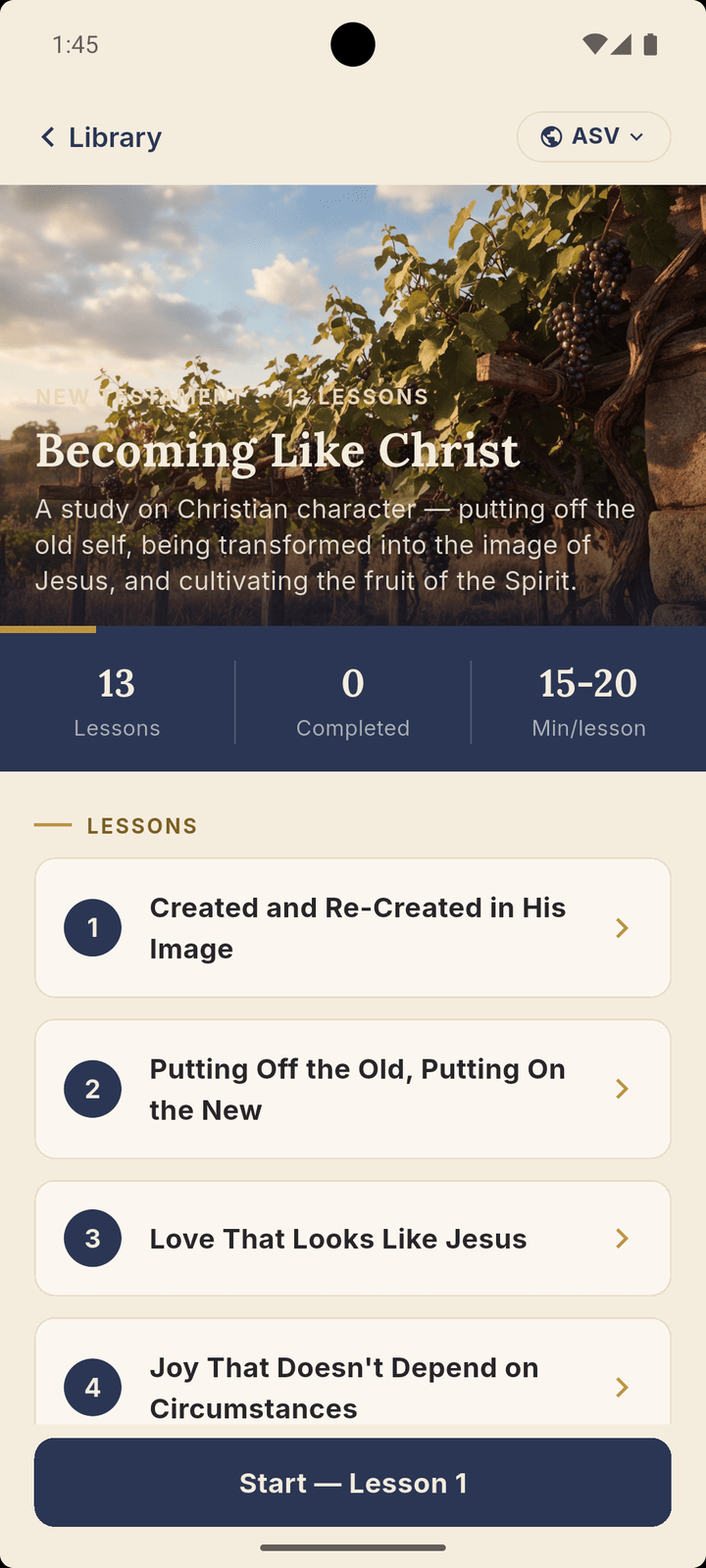
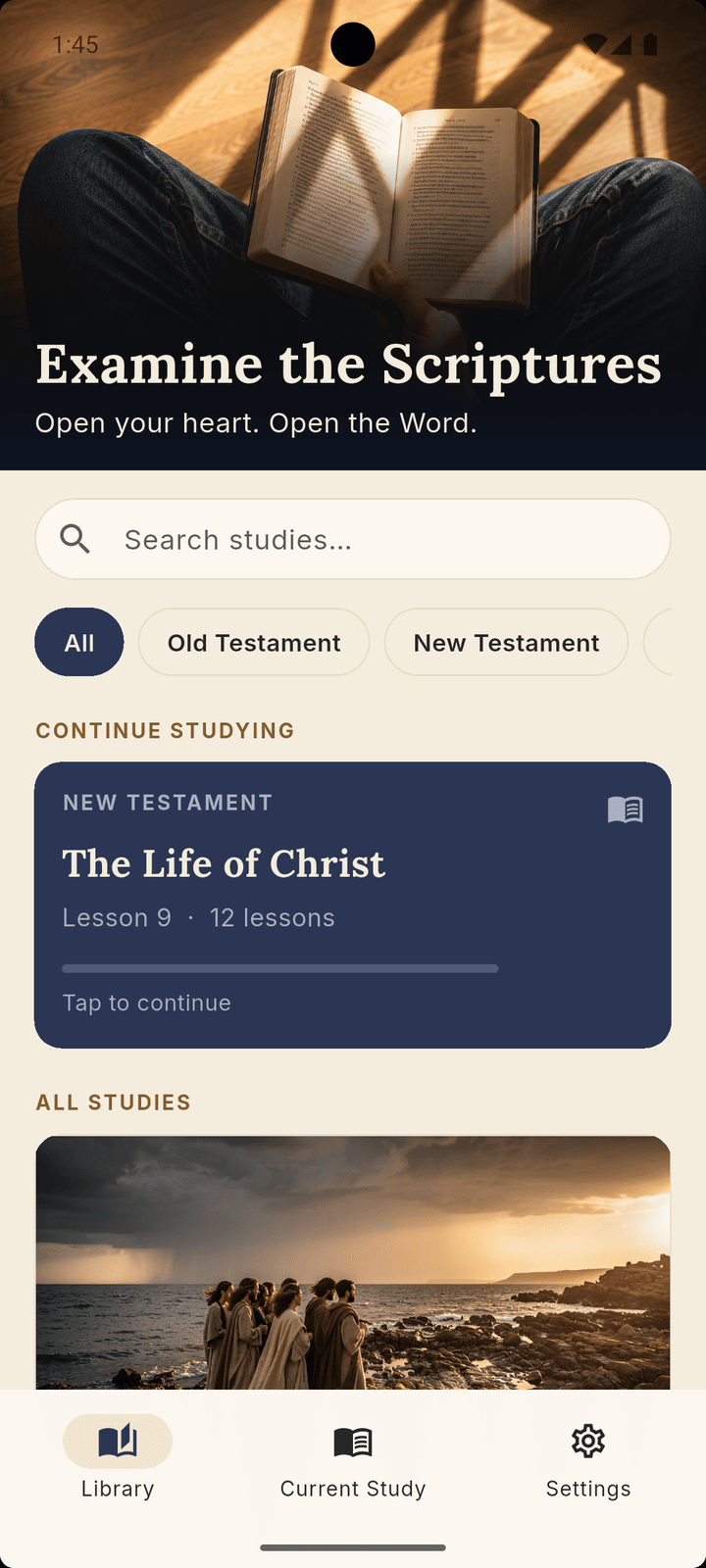
Library
Study overview
Lesson reader
Teacher notes
PDF export
Reading settings
Get the App

Start Studying Today

Examine the Scriptures is available now — download it free from Google Play or the App Store, or open the web version right in your browser.